Projects Overview
Projects bring together the parts and build planning for a product or design. Start with a project, then use its sections for different parts of the workflow:
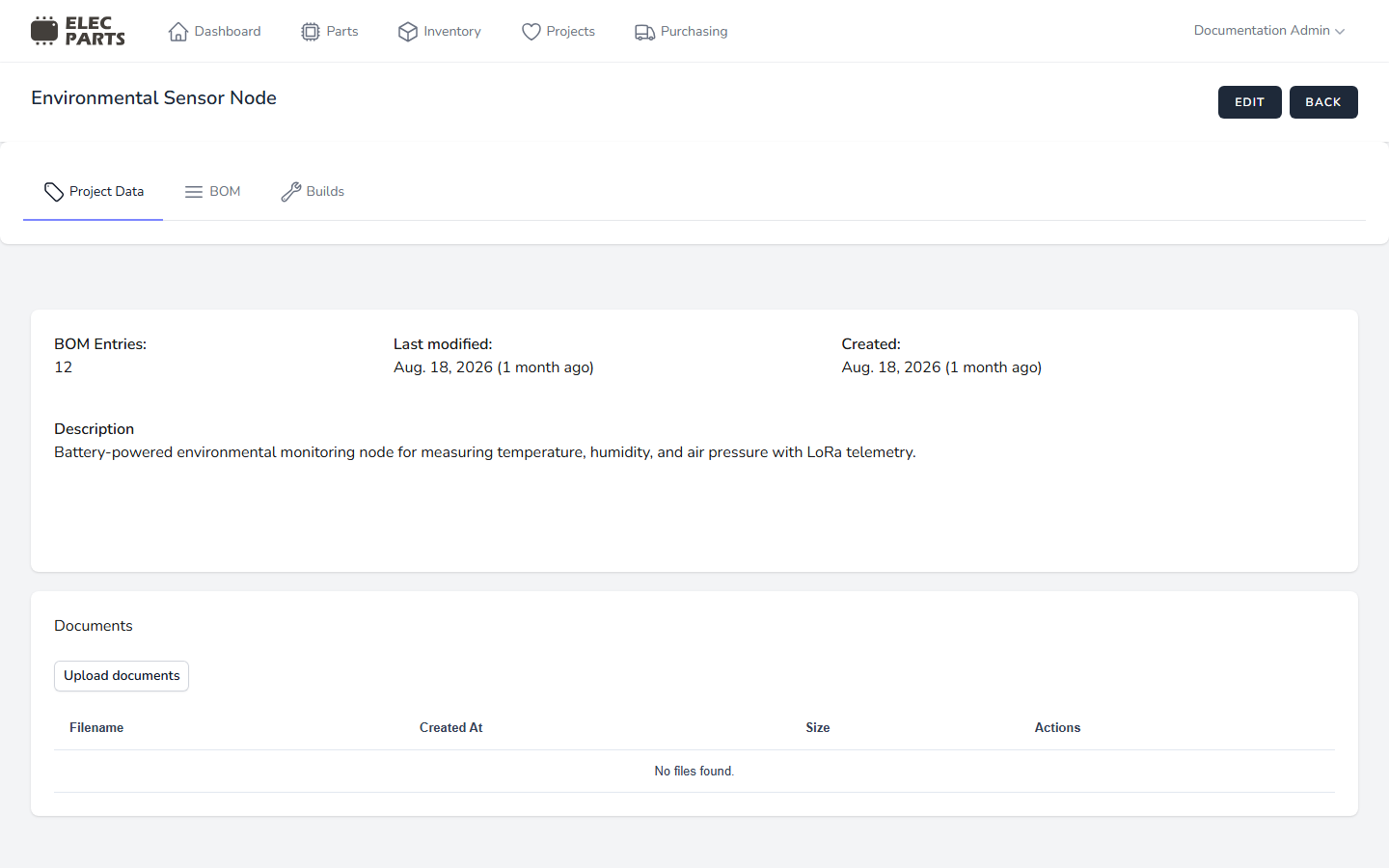
- Project Data — record the project name and description, and keep related documents together. Use it for basic project information and reference files.
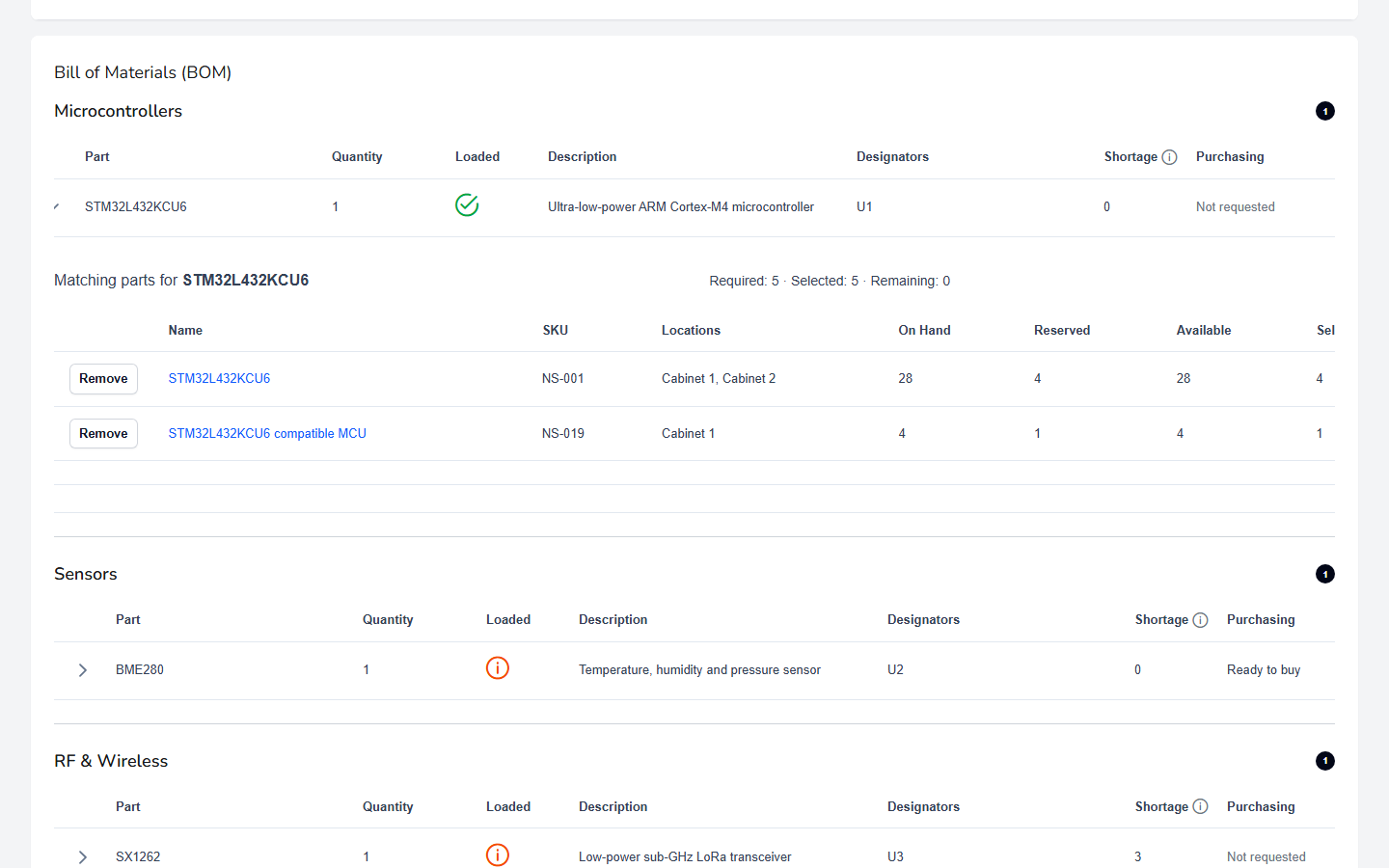
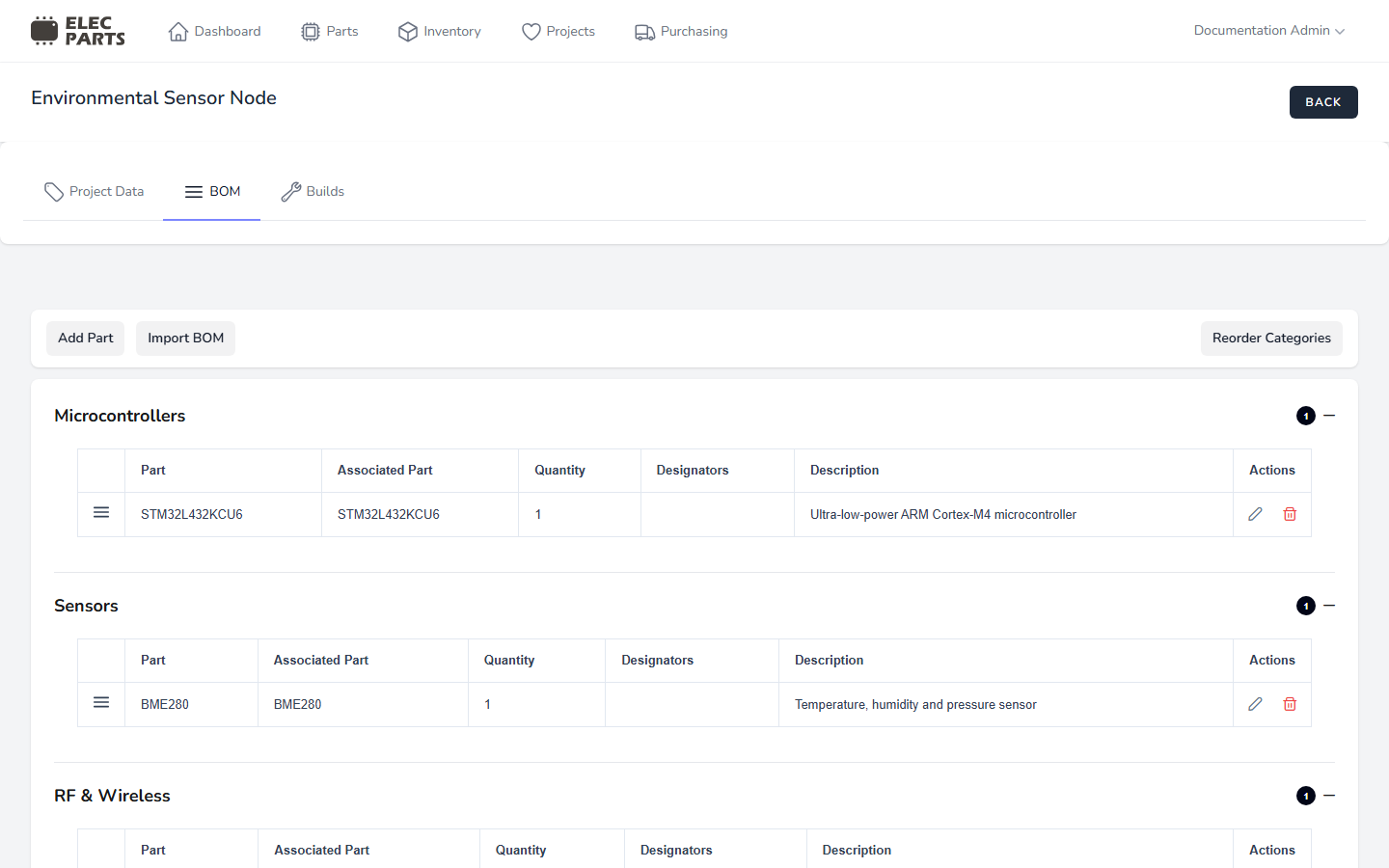
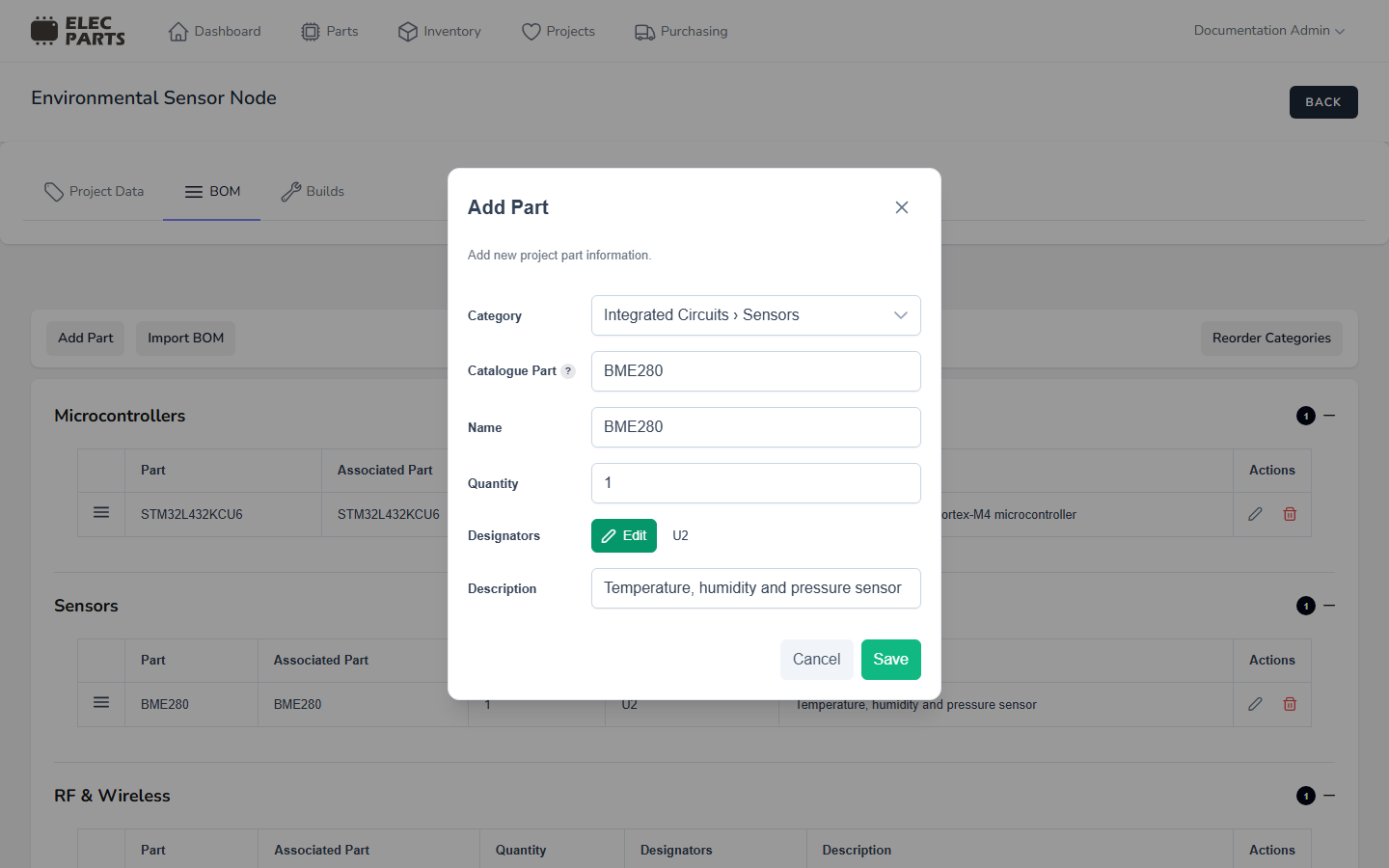
- BOM — list the parts needed for the design, grouped into categories, with quantities and optional designators and descriptions. Use it to prepare or update the design's parts list.
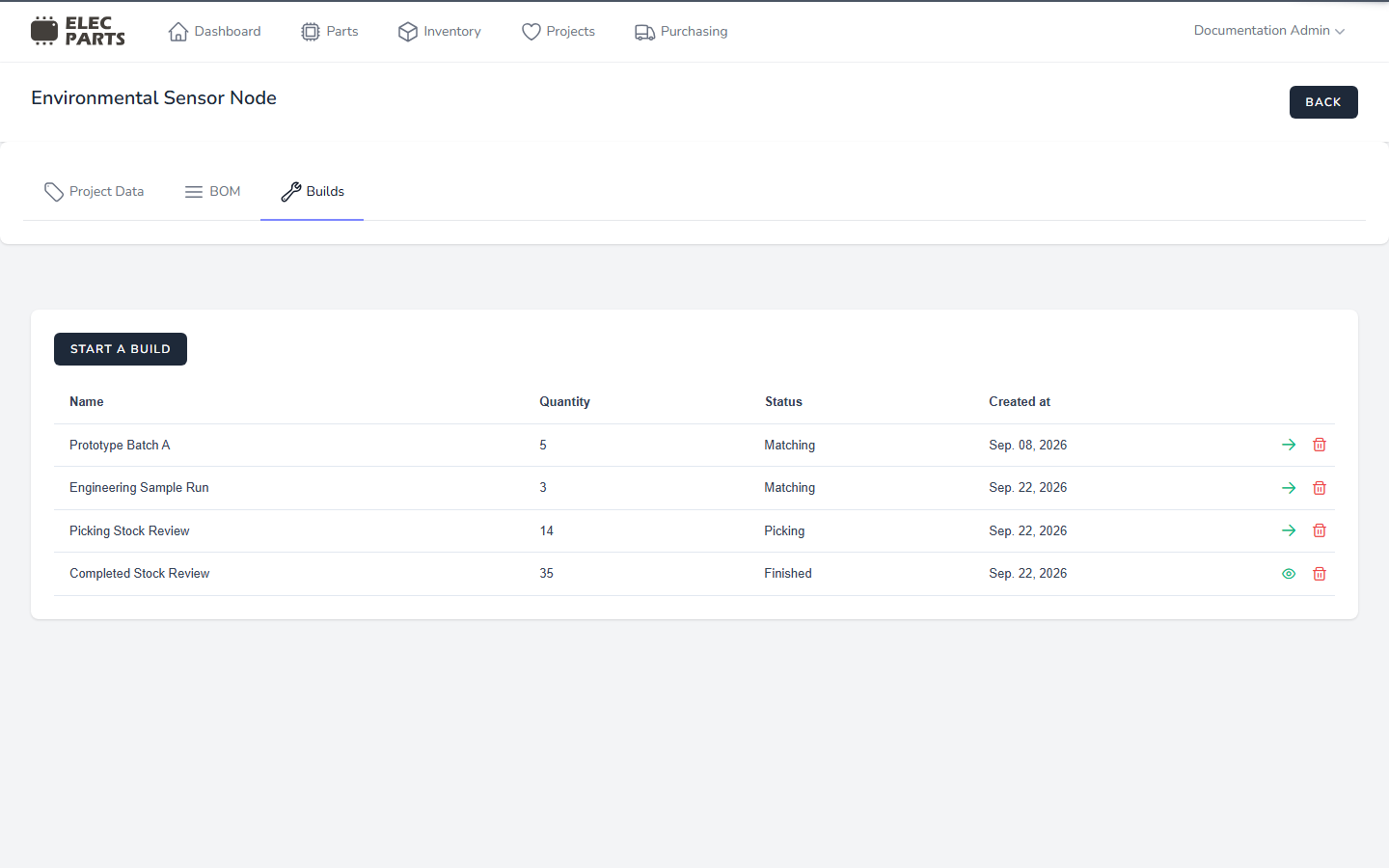
- Builds — plan a run of a project quantity against your inventory. Use a build to match BOM requirements to available stock, review picking, and record completion.
Projects guides
- Create a project to get started.
- Manage projects to find, pin, open, or archive projects.
- Project Data to edit details and manage documents.
- Project BOM to add, edit, reorder, or import BOM rows.
- Project Builds to plan and complete a build.
- Archive or review a project to understand archived projects.
Screenshots
The screenshots below provide a visual tour of the Projects workflow. Detailed guides link to the relevant view again where it helps explain a specific task.
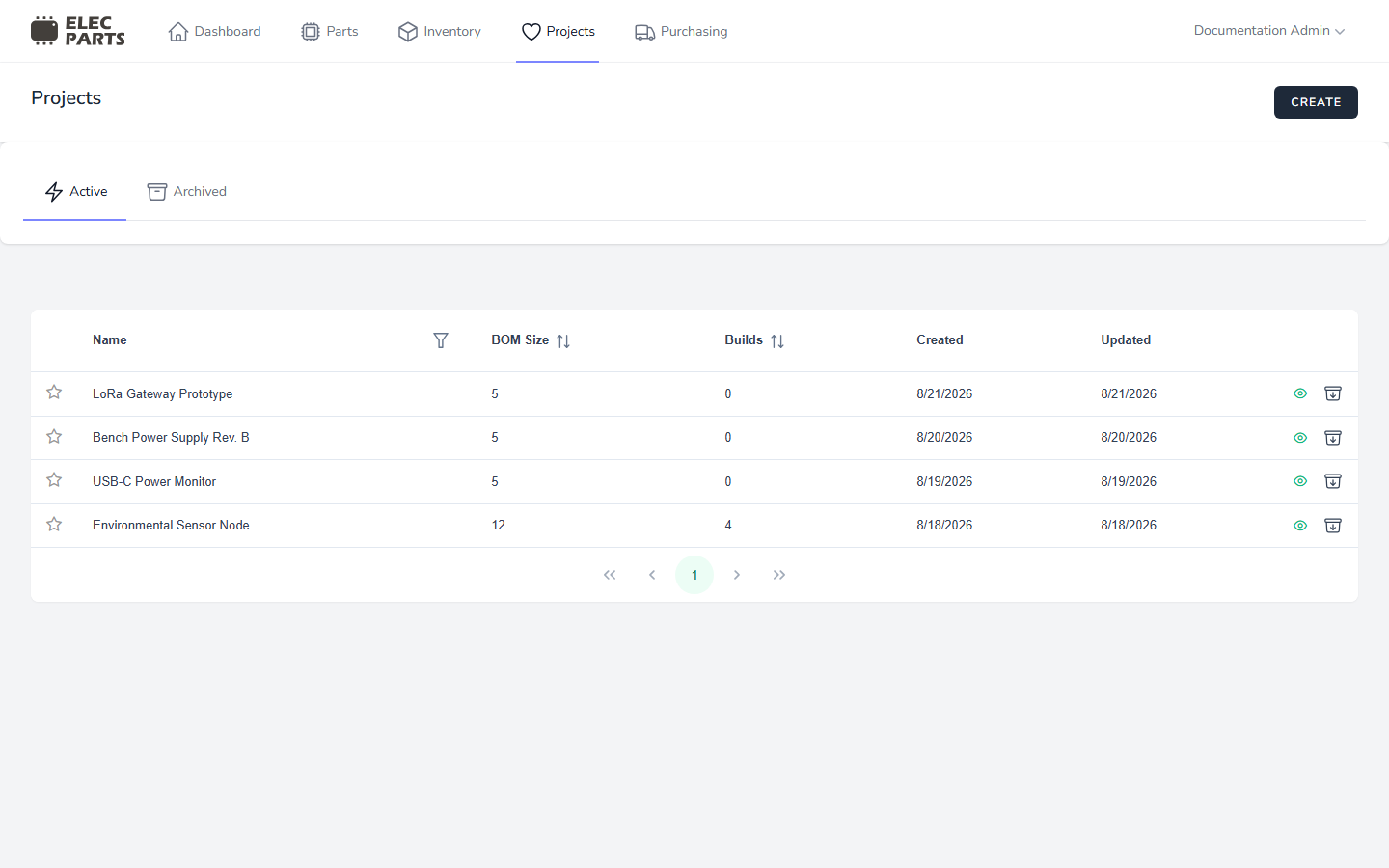
Projects overview
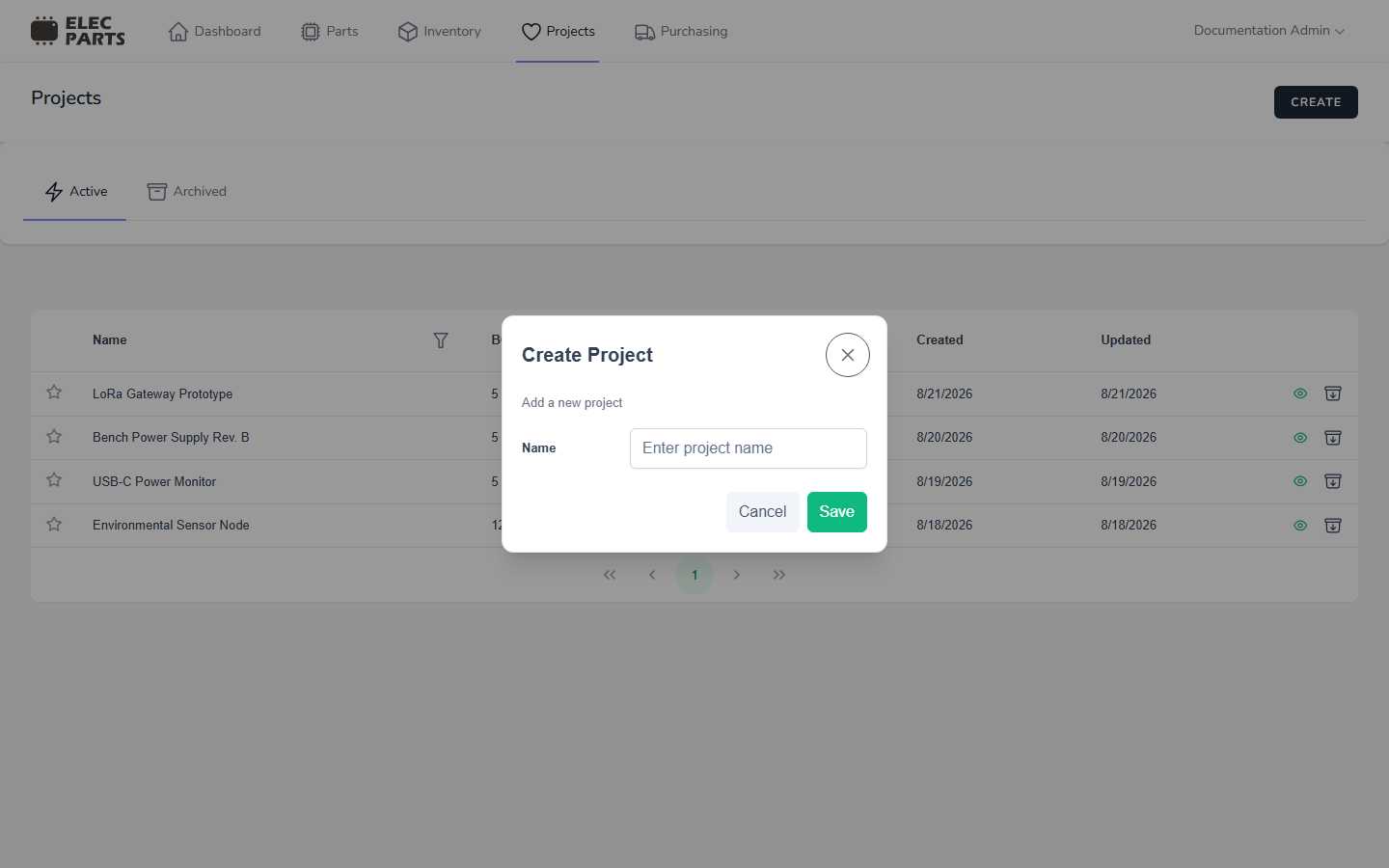
Create a project
Project details
Project BOM
Add a BOM part
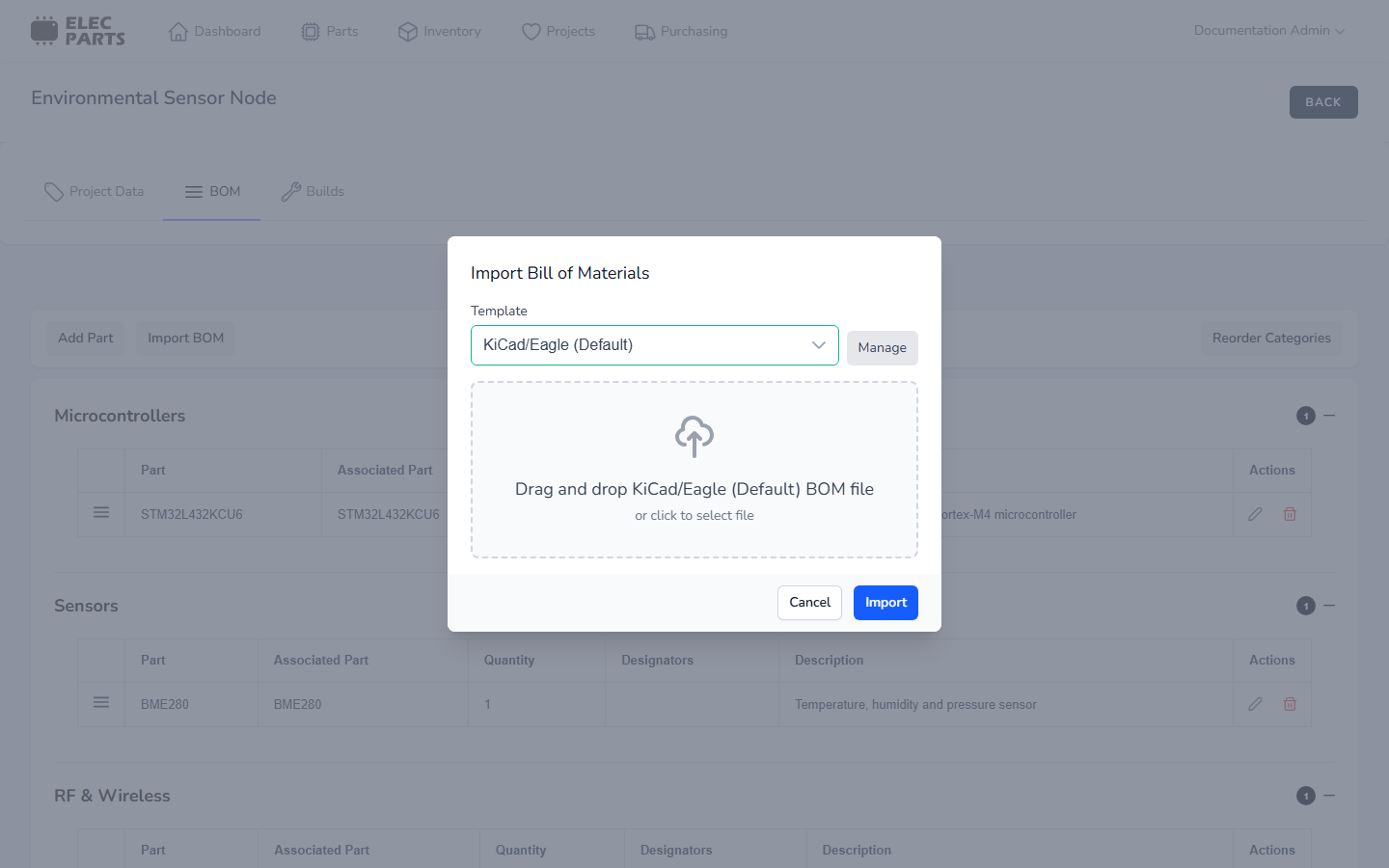
Import a BOM
Builds overview
Match build requirements