

Creating a Project
Create a project to gather a design's project information, bill of materials (BOM), and build records in one place.
Create the project
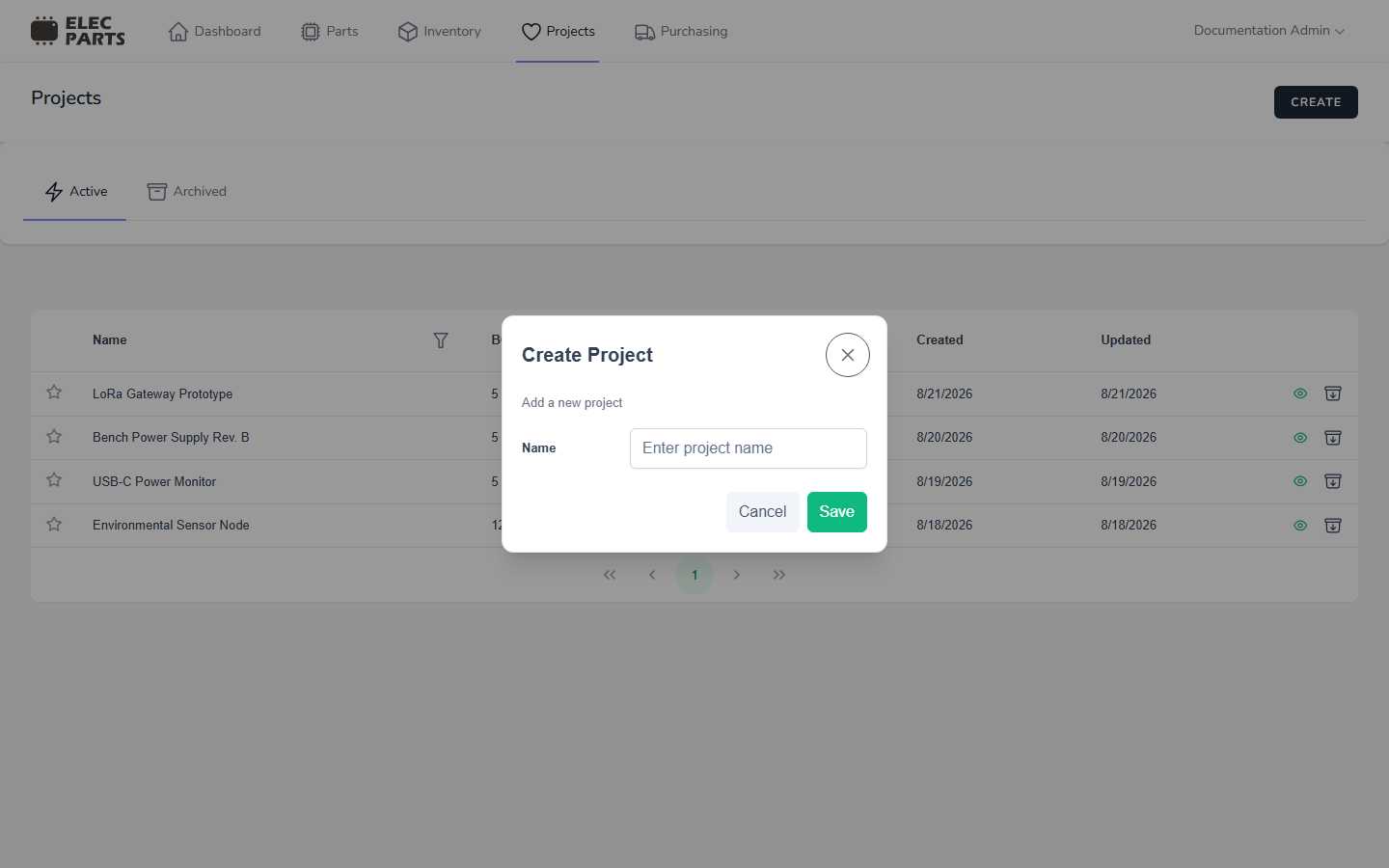
- Open Projects.
- Select Create.
- Enter a project name.
- Select Save in the dialog.
The new project opens on Project Data. You can add a description, then add or import parts on the BOM tab. When you are ready to plan a production quantity, open Builds and start a build.