

General Settings
Open Settings → General to update the current lab's name, review its subdomain, set the SKU prefix, or download its data.
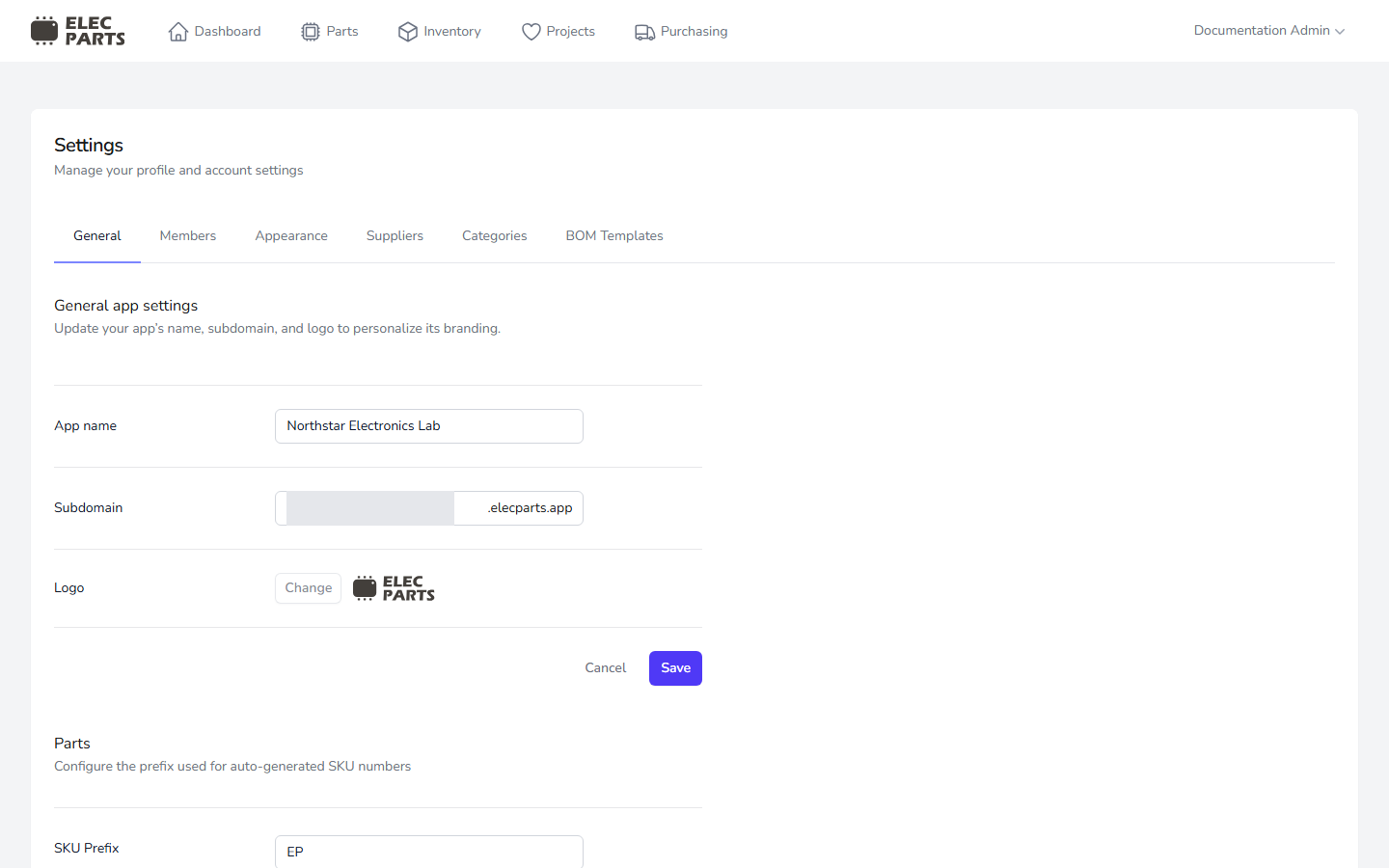
Lab name and subdomain
The App name is the lab name shown in ElecParts. Enter at least three characters using letters, numbers, and spaces, then select Save.
The Subdomain is the lab's address, such as northstar.elecparts.app. You can change it here. The value must use lowercase letters, numbers, or hyphens; it must be 1–63 characters and cannot begin or end with a hyphen. It also must be available. The current settings flow does not impose a change cooldown or a separate reserved-name list.
After a successful change, ElecParts redirects you to the lab at its new address and returns you to General Settings there. Update any bookmarks that use the old address.
The Logo control is currently disabled, so the lab logo cannot be changed from this screen.
SKU prefix
The SKU Prefix is used when ElecParts generates a new internal part number. New SKUs use the format PREFIX-number, such as EP-1. Enter a required prefix of up to three characters and select Save. Changing the prefix affects future generated SKUs; it does not rename existing parts.
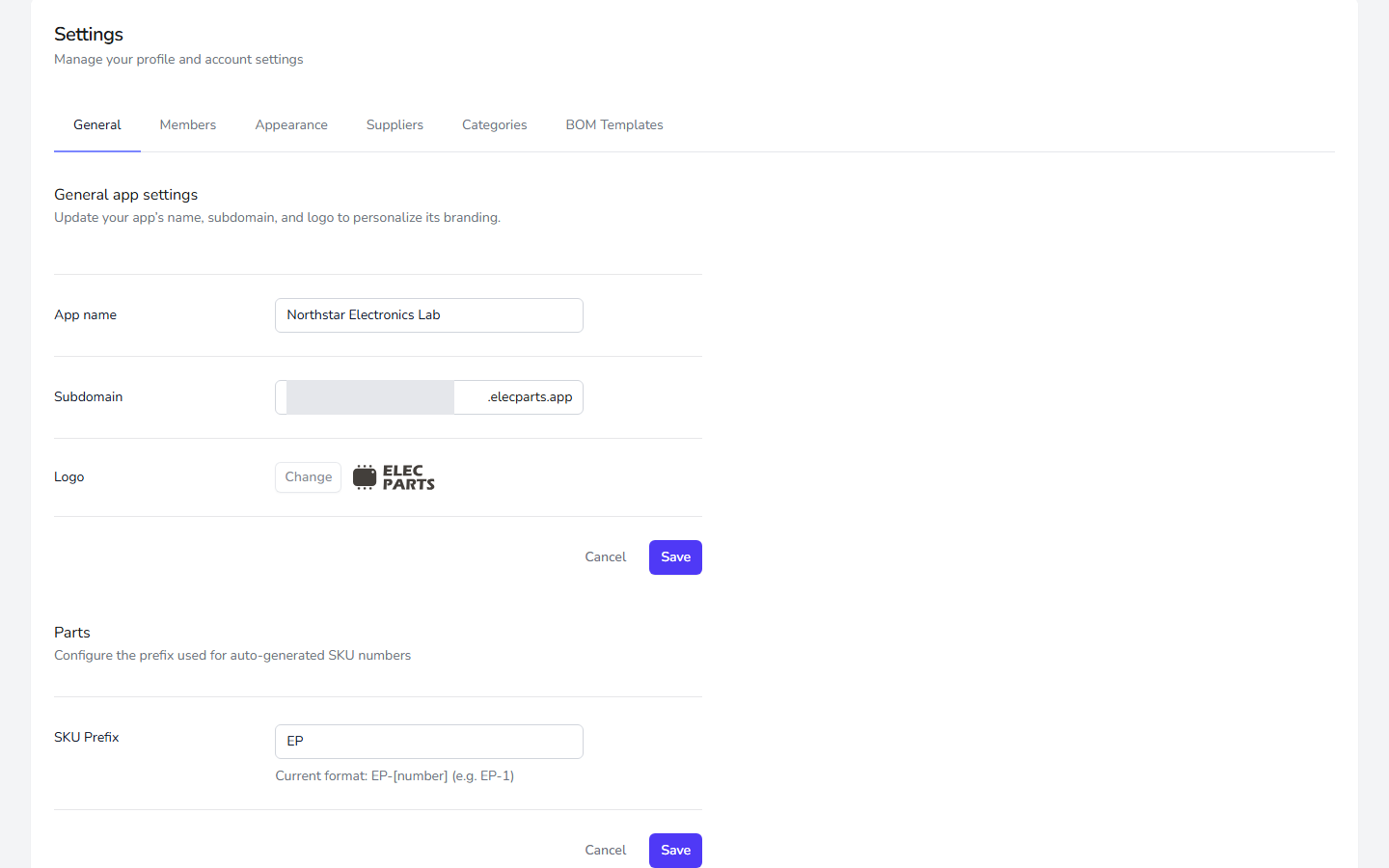
Export data
Select Download in the Export data section to download a ZIP file containing your lab's data as JSON and its uploaded files. The exported data represents the current lab.