

Project Data
Open a project and select Project Data to review its basic information and documents.
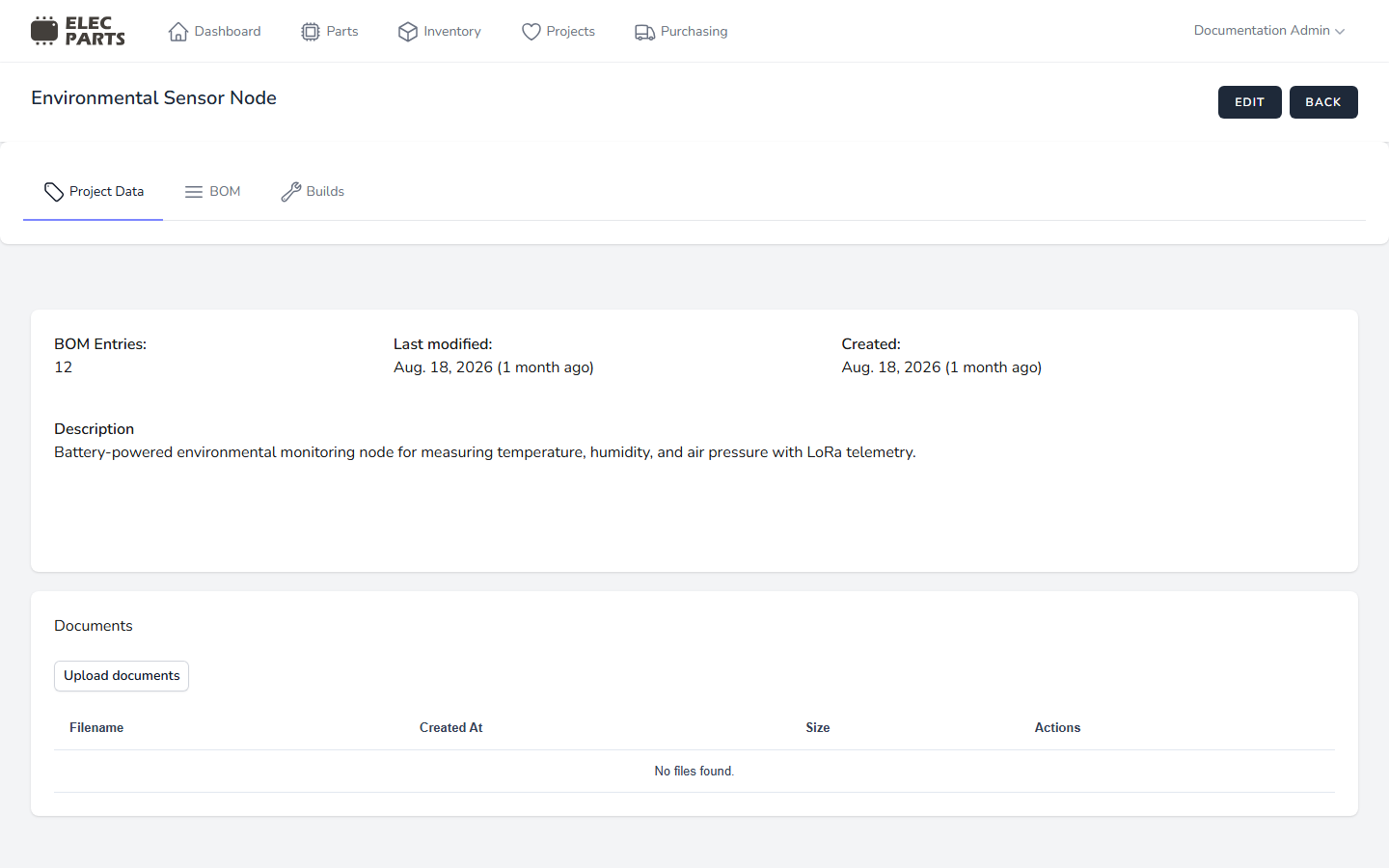
Project information
The page shows the project name, BOM Entries count, Created, Last modified, and Description. The count is the number of BOM rows, not the total quantity of parts across those rows.
If you have edit access and the project is active, select Edit to change the project name and description, then select Save. A description is optional. Archived projects are read-only in this view.
Project documents
Use Documents to keep reference files with the project. If you have permission to upload files and the project is active, select Upload documents, choose files or drag them into the upload area, then select Upload. Multiple files can be uploaded together. Files larger than 10 MB are rejected; the current uploader does not restrict uploads by file type.
The document list shows each filename, its size, and available actions. Use the download action to open a file or the delete action to remove it after confirming. Archived projects do not show the upload control.
See also: Manage the project BOM.